Third-party product
MT5 Gold EA on XAUUSD H1 - Independently Backtested, Results Published in Full
TL;DR
MT5 XAUUSD H1 EA. Verified Strategy Tester run 2025-01-03 to 2026-10-09 on FXTM demo data: 431 trades, 80.05% win rate, net -2,757.59 USD (-27.58%), profit factor 0.88, 56.75% maximum equity drawdown. The AI safety score of 28/100 is a model inference, not a field taken from the original report.
No official listing has been supplied for this product.
Independently tested
RBOT.CC provides the review conditions and public evidence report below. Results are not a promise of future performance.
This page describes a third-party product. RBOT.CC is not the developer unless explicitly stated. Verify all claims before use.
Performance figures depend on the test period, broker conditions, spread, commission, slippage, leverage, and risk settings. Confirm the test dates and source report before relying on any figure. Backtest results are not a promise of future performance.
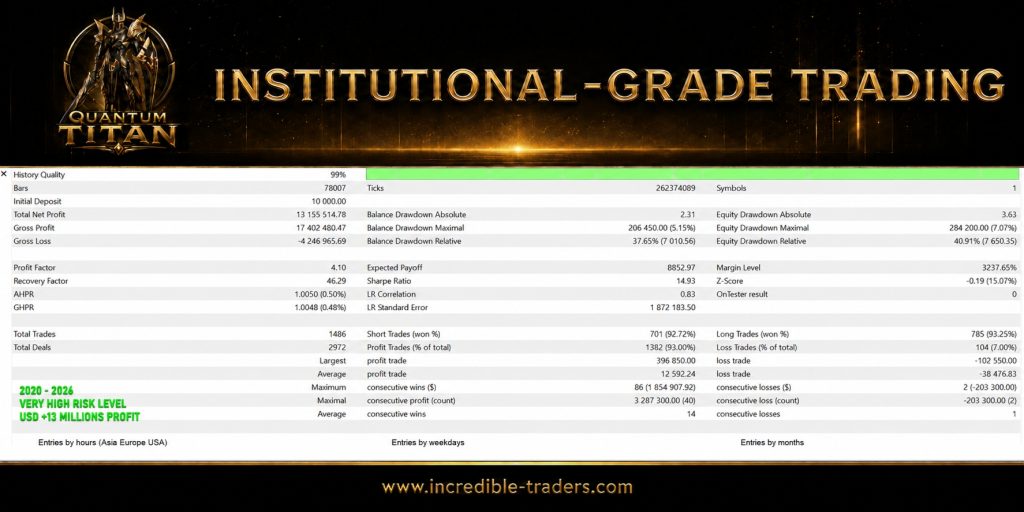
Quantum Titan trades XAUUSD on H1 through MetaTrader 5. In this Strategy Tester run - configured for 2025.01.03 to 2026.10.12 on the ForexTimeFXTM-Demo02 server, build 6238, at 99% history quality over 10,474 bars and 2,494,087 ticks - it produced 431 closed trades across 862 deals. The 242 long positions won 85.12% and the 189 short positions won 73.54%, for 345 winners overall (80.05%). Note that the tester's configured window runs to 2026-10-12 while the last closed trade is dated 2026-10-09; the figures below describe the 644 days actually traded. The high win rate does not translate into profit. Average winning trade was 58.84 USD against an average losing trade of -268.12 USD, a payoff ratio of 0.22. Gross profit of 20,300.71 USD did not cover gross loss of -23,058.30 USD, leaving -2,757.59 USD net (-27.58% on the 10,000 USD deposit), a profit factor of 0.88, an expected payoff of -6.40 USD per trade and a Sharpe ratio of -3.71. The longest winning streak was 26 trades totalling 747.81 USD; the longest losing streak was 3 trades totalling -1,277.95 USD. Average holding time was 20 minutes, with the longest single position held 12h 16m. This is a negative-expectancy payoff profile: because the average loss is more than four times the average win, a small number of adverse exits erases many small gains. Profit is also concentrated - the top 22 trades (top 5%) supply 29.13% of gross profit, and excluding them the remaining book runs a profit factor of 0.62 and a net result of -8,671.89 USD. Removing only the single best 1% leaves a profit factor of 0.79 and -4,759.26 USD. The 80% win rate is real, but it is not the number that determines the outcome.
Risk control is the weak point of this configuration, not its strength. Maximal balance drawdown reached 8,511.63 USD (56.28% relative) and maximal equity drawdown 8,590.20 USD (56.75% relative); absolute drawdown was 3,388.75 USD on balance and 3,452.32 USD on equity. Balance rose to a peak of roughly 15,122.88 USD before falling to about 6,611.25 USD, a decline of around 56% from peak. The recovery factor is -0.32 and both AHPR and GHPR sit at 0.9993 (-0.07%), so the account did not recover its drawdown within the test window. Sizing came from the report's own inputs: initial deposit 10,000 USD, leverage 1:100, RiskPercent=1.0 with RiskModeSetting=3 and InpAutoLotsValue=3. Recovery mode was off (UseRecoveryMode=false, UseSecondChance=false), so no lot multiplier was applied - the drawdown came from directional losses at the configured risk setting, not from position doubling. Observed lot sizes ranged from about 0.13 to 0.30 and shrank during losing sequences, consistent with balance-scaled sizing. The largest single loss was -635.96 USD and the largest single win 452.41 USD. The MaxDrawdownPercent input was left at 0.0 for this run. Treat 56.75% as drawdown this EA has actually produced in a backtest, not as an upper bound, and size any account against that figure. The report does not state commission, swap or spread assumptions, and no demo or live forward record was supplied, so live execution remains unverified.
.ex4 for MT4 or .ex5 for MT5).set) for supported currency pairsquick_install.bat)quick_install.bat.MQL4/Experts (or MQL5/Experts) and preset files into MQL4/Presets.Yes. All core indicators and EAs on RBOT.CC are free to download directly without email walls, hidden paywalls, or account limits. If a third-party developer offers an optional commercial Pro version, it is clearly indicated with an external source link.
Yes. You can run them on unlimited demo and live accounts with any MetaTrader broker. We strongly recommend testing thoroughly on a demo account for at least 2 to 4 weeks to observe trade behavior and drawdowns before using real money.
You can join our Telegram community (@wwwrbotcc) to ask setup questions, share backtests, and discuss strategy settings with the RBOT team and other algorithmic traders.
⚠ READ BEFORE USE
This EA is for educational and expert use only. Test on a DEMO account for at least 30 days before going live. By clicking “OK”, you acknowledge and accept the risks of trading.