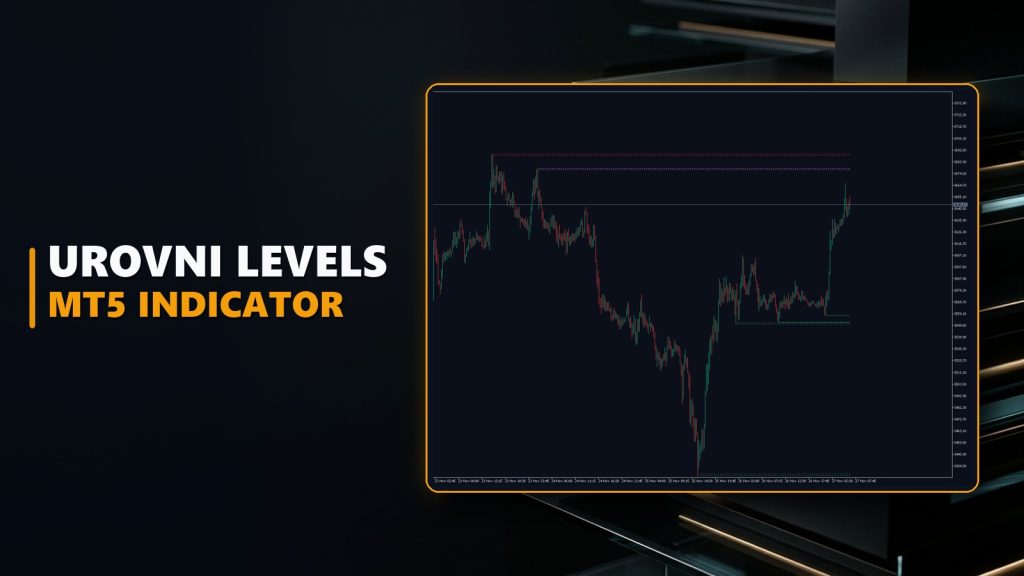
Third-party product
Main-chart MT5 fractal supply and demand engine categorizing S/R zones into Weak, Untested, Verified, Proven, and Turncoat tiers
TL;DR
Fractal-driven MT5 Supply & Demand and Support/Resistance zone indicator (Shved SSSR engine, originally titled Уровни.ex5, repackaged cleanly under ASCII filename UrovniLevels-ind-rbotcc.ex5). Verified in MT5 with 36 to 40 dynamic zones across XAUUSD M15/H1 and EURUSD H1.
No official listing has been supplied for this product.
Installation checked
RBOT.CC checked installation on the stated platform. This does not verify trading performance.
This page describes a third-party product. RBOT.CC is not the developer unless explicitly stated. Verify all claims before use.
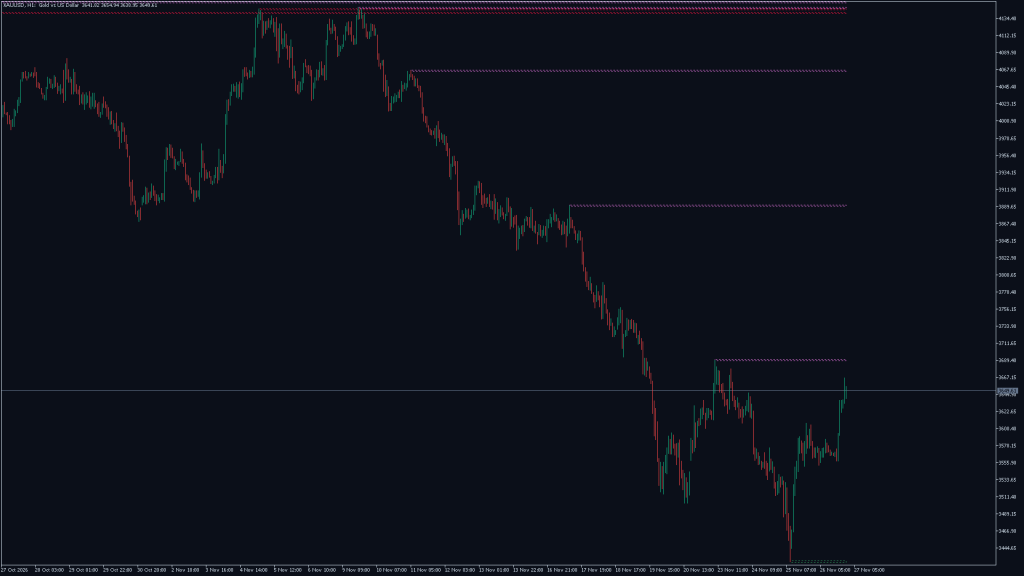
Urovni Levels implements a dual-period fractal zone engine (Slow and Fast Up/Down Fractals controlled by fractal_slow_factor = 6.0 and fractal_fast_factor = 3.0) across up to BackLimit = 5,000 historical bars. Rather than plotting noisy horizontal lines at every pivot, it clusters nearby swing highs and lows using zone_fuzzfactor (0.05) and merges overlapping levels (zone_merge = true) into distinct supply and demand zone rectangles. Each zone is graded automatically across five structural states based on touch history and price reaction: Weak (hidden by default via zone_show_weak = false), Untested (fresh zone not yet revisited), Verified (tested and respected at least once), Proven (multiple respected bounces), and Turncoat (broken level that flipped polarity between support and resistance). Active zones extend horizontally toward the right edge of the chart (zone_extend = true) using crisp dashed hollow outlines (zone_solid = false, linewidth = 1, style = 2) so candlestick wicks and bodies remain completely unobstructed.
Because zone boundaries originate from confirmed Slow and Fast Fractals, new zones cannot lock in until the required right-hand confirmation candles close. Furthermore, active zones automatically reclassify from Untested to Verified, Proven, or Turncoat as price revisits or breaks through them. Treat drawn supply and demand boxes as areas of interest rather than blind limit-order triggers. Wait for price action rejection (pin bars, engulfing closes, or lower-timeframe momentum shifts) inside a Verified or Untested zone, and widen stop buffers beyond the outer edge of the zone to account for XAUUSD stop runs and spread widening.
.ex4 for MT4 or .ex5 for MT5).tpl)quick_install.bat)quick_install.bat.MQL4/Indicators (or MQL5/Indicators), and copy any .tpl files into the templates folder.Yes. All core indicators and EAs on RBOT.CC are free to download directly without email walls, hidden paywalls, or account limits. If a third-party developer offers an optional commercial Pro version, it is clearly indicated with an external source link.
Yes. You can run them on unlimited demo and live accounts with any MetaTrader broker. We strongly recommend testing thoroughly on a demo account for at least 2 to 4 weeks to observe trade behavior and drawdowns before using real money.
You can join our Telegram community (@wwwrbotcc) to ask setup questions, share backtests, and discuss strategy settings with the RBOT team and other algorithmic traders.
⚠ READ BEFORE USE
This indicator is for educational and expert use only. Test on a DEMO account for at least 30 days before going live. By clicking “OK”, you acknowledge and accept the risks of trading.